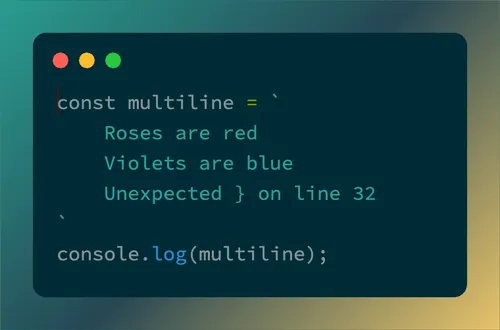
Code Snapshot

Code Snapshot

Code Screenshot Tool

Free online code screenshot generator for JavaScript, Python, HTML, CSS, and 20+ programming languages. Export code snippets as PNG with macOS, Windows, iPhone or Android frames. Perfect for developers sharing code on Twitter, LinkedIn, or documentation.

Code
Snapshot

Code Screenshot Examples

Not sure where to start? Choose from these handpicked theme, background, and font combinations to create a beautiful code screenshot:

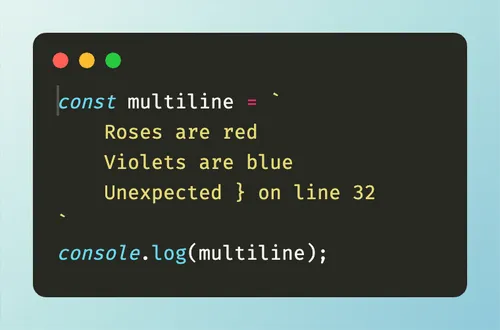
Code screenshot example — Monokai theme, Winter Frost background, Fira Code font
Theme Monokai
Background Winter Frost
Font Fira Code
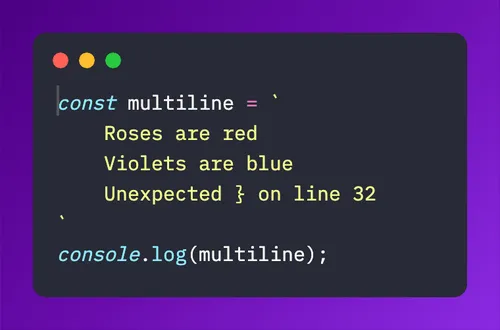
Code screenshot example — Dracula theme, Purple Haze background, IBM Plex Mono font
Theme Dracula
Background Purple Haze
Font IBM Plex Mono
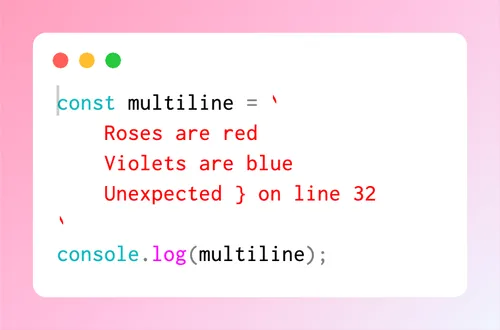
Code screenshot example — Sqlserver theme, Candy Land background, Inconsolata font
Theme Sqlserver
Background Candy Land
Font Inconsolata
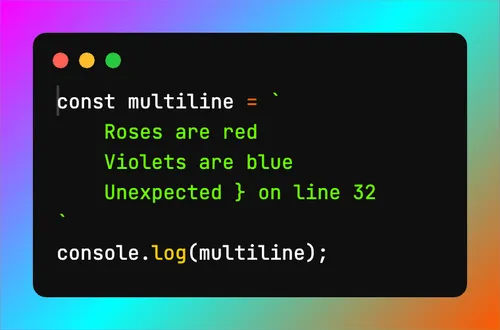
Code screenshot example — Vibrant Ink theme, Cyber Neon background, JetBrains Mono font
Theme Vibrant Ink
Background Cyber Neon
Font JetBrains Mono
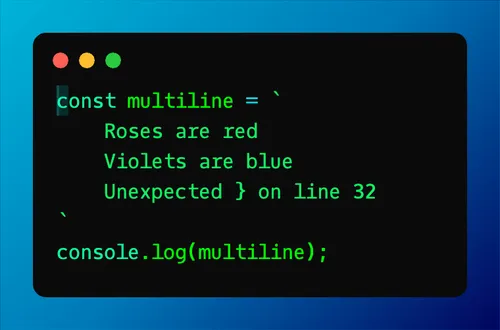
Code screenshot example — Green on Black theme, Oceanic background, Oxygen Mono font
Theme Green on Black
Background Oceanic
Font Oxygen Mono
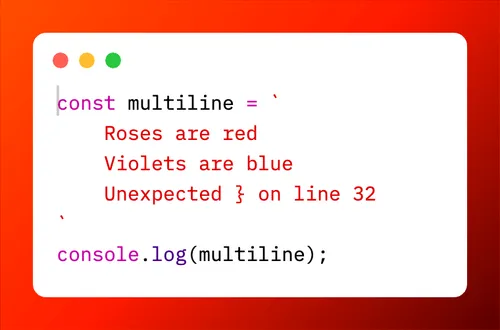
Code screenshot example — XCode theme, Magma Flow background, IBM Plex Mono font
Theme XCode
Background Magma Flow
Font IBM Plex Mono
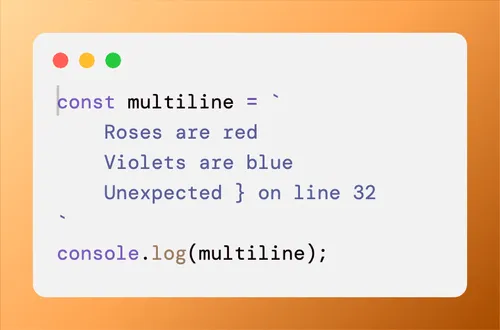
Code screenshot example — Katzenmilch theme, Sahara Sun background, DM Mono font
Theme Katzenmilch
Background Sahara Sun
Font DM Mono
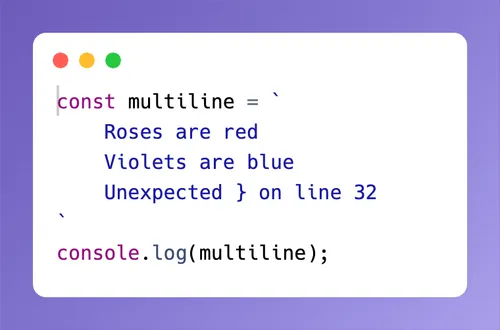
Code screenshot example — Chrome theme, Mystic Fog background, Hack font
Theme Chrome
Background Mystic Fog
Font Hack
Code screenshot example — Solarized Dark theme, Forest Fog background, Source Code Pro font
Theme Solarized Dark
Background Forest Fog
Font Source Code Pro

Frequently Asked Questions

What is Code Snapshot?

  • A free online code screenshot tool for JavaScript, TypeScript, Python, Rust, Go, Java, C++, CSS, HTML, and 20+ languages.
  • Export code snippets as PNG images with macOS, Windows, iPhone, or Android device frames.
  • Perfect for developers sharing code on X (Twitter), Bluesky, Mastodon, LinkedIn, or in documentation.

Why Code Snapshot?

Because code can be beautiful. And beautiful code deserves to be shared beautifully.

This is a tool for developers who are proud of their work and want to share code snippets that look as good as the code itself.

There are other tools out there, but Code Snapshot keeps it simple: just the settings you need, nothing more.

How do I create a code screenshot?

TL;DR — Paste your code and click the big white circle button above the editor.

If you want to customize first:

  1. Choose a language mode that matches your code
  2. Choose a theme and a font
  3. Choose a background color or gradient
  4. Adjust screenshot width and padding
  5. Optionally pick an aspect ratio
Then click the white circle button to save as PNG.

What programming languages are supported?

20+ languages are supported, including JavaScript, TypeScript, Python, Rust, Go, Java, C++, CSS, HTML, Markdown, and JSON. Plain text is also supported.

Choosing the correct language mode matters — it enables accurate syntax highlighting for your code.

Does Code Snapshot upload my code anywhere?

No. Code Snapshot runs entirely in your browser. Your code is never sent to any server — the screenshot is generated locally using the HTML Canvas API.

Can I use Code Snapshot with AI chats?

Yes. Here's how:

  1. Instruct your AI to respond in plain text or Markdown
  2. Use Code Snapshot's Text/Markdown mode
  3. Paste the AI response into the editor and export

Is Code Snapshot free?

Yes. Code Snapshot is completely free with no signup or payment required. There is no paid tier.